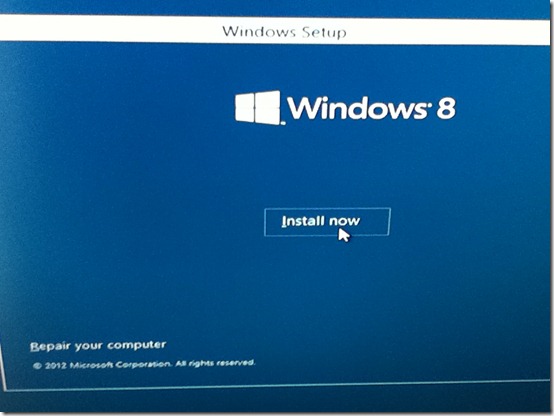
Just a quick post as I’ve installed Windows 8 CP on to my older HTPC today and took some photos on my iPod.
You can download the ISO images from here
I installed the X64 bit English version.
I used an old 40GB Western Digital IDE hard disk.

A fish!

You can choose UK for Time and Currency Format and for the Keyboard, you then end up with a UK location in the region settings.


Product Key: DNJXJ-7XBW8-2378T-X22TX-BKG7J


The System Reserved partition that Windows creates during setup has increased from 100MB to 350MB.




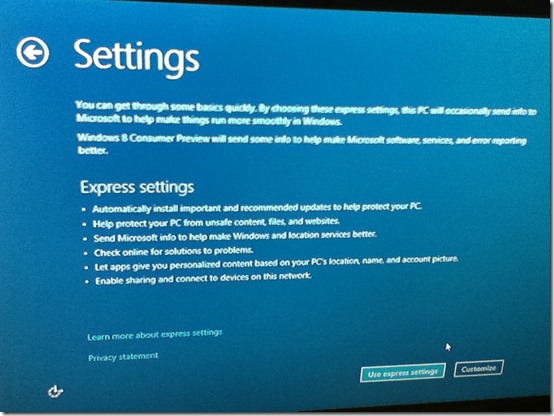
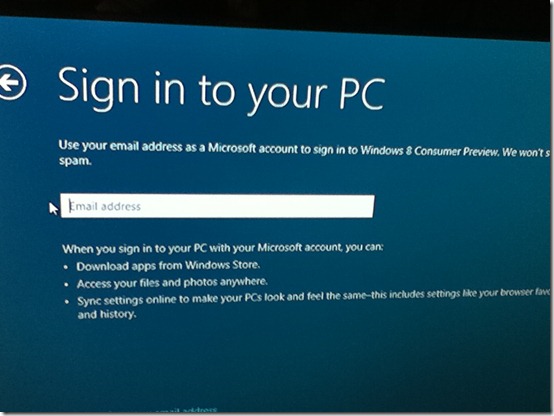
Setups asks for your email address to create a new Microsoft account, I used my regular Live ID details.


I have to say the new Metro Start menu for me is confusing and makes finding what you want to do difficult, I’m sure with some time you would get use to it, but I’m not sure I’d use it on my workstations and would probably go back to a classic start menu which you can do in the registry. Obviously the Metro start menu is going to work better on tablets, touch screen devices etc.
To get the "classic" start menu back set the below registry key.
HKEY_CURRENT_USER\Software\Microsoft\Windows\CurrentVersion\Explorer
RPEnabled (DWORD) = 0
I configured Windows Media Player and Media Center as usual and added content in to the WMP library from my WHS shares. I was able to install the WHS V1 Connector OK.
However when I go in to the new Metro Music, Videos and Photos apps they are all empty showing no files, I’m not sure why this is?
I quickly tested Media Center (Not Live TV) and installed some of the 3rd party MCE add-ins I use.
Not working:
Microsoft UK MSN Player - Installs OK but every time I play a video I see: Video Error - There was a problem accessing this video.
However the video does then start to play in the background, if I click OK on the Video Error dialogue the video then stop playing.
My Movies - Installer checks Windows Version and won't proceed
Macrotube - Youtube videos not playing just get the blue MCE background
Appears to be Working:
MCE LoveFilm - Possible issue with existing titles in favourites, now all say "no streaming"
TunerFree MCE - Installing DRM update for WMP was not as straight forward as normal
Also I now have two menu strips in 8MC called Milliesoft instead of one, both have MCE LoveFilm and TunerFree icons on them.
RadioTime (TuneIn)
mControl - Home Automation - Could not find the mControl Client Config utility from the start menu / apps area / search - How do you see the normal program groups?
Other issues
WMP/8MC is doing some strange things. If I look in Windows Explorer I can see a D:\ System Reserved drive and E:\ which is my other Windows 7 drive. Initially in WMP E:\ drive could be seen in the WMP library as a mobile device and I had all sorts of weird stuff in the WMP library that shouldn't have been there. I could also see this E:\ drive in 8MC in the Photos and Video Libraries.
I rebooted and then in WMP/8MC it showed the D:\ System Reserved drive instead and I can now see this drive in Media Center in the Photos and Video libraries. Why is this happening?
ATI CCC isn't working? / doesn't look as normal, I can't see any usual options for desktop graphics properties, only CPU and Power Plan Settings. So can't set the scaling on the desktop size.
1280X720 is too small a resolution for the Metro Media apps to run ??? Had to change to 1080P but my Samsung TV only supports 720P native.
Summary
Obviously its early days, but my first day with Windows 8 I would have to say has been frustrating and confusing. But I need to spend more time and get use to things and testing more. Hopefully the Metro start menu will grow on me the more I use it. I was able to pin Windows Media Center and Windows Media Player on to the new start menu, to initially find them I had to use the search feature of the Metro start menu as they are not visible anywhere. WMP appears to still be version 12 I didn’t compare the version number to a Windows 7 PC, WMP looks the same to me as does Media Center.
How have you been getting on with Windows 8 ?


 ‘
‘


